Last updated October 31, 2026
 Wrought iron
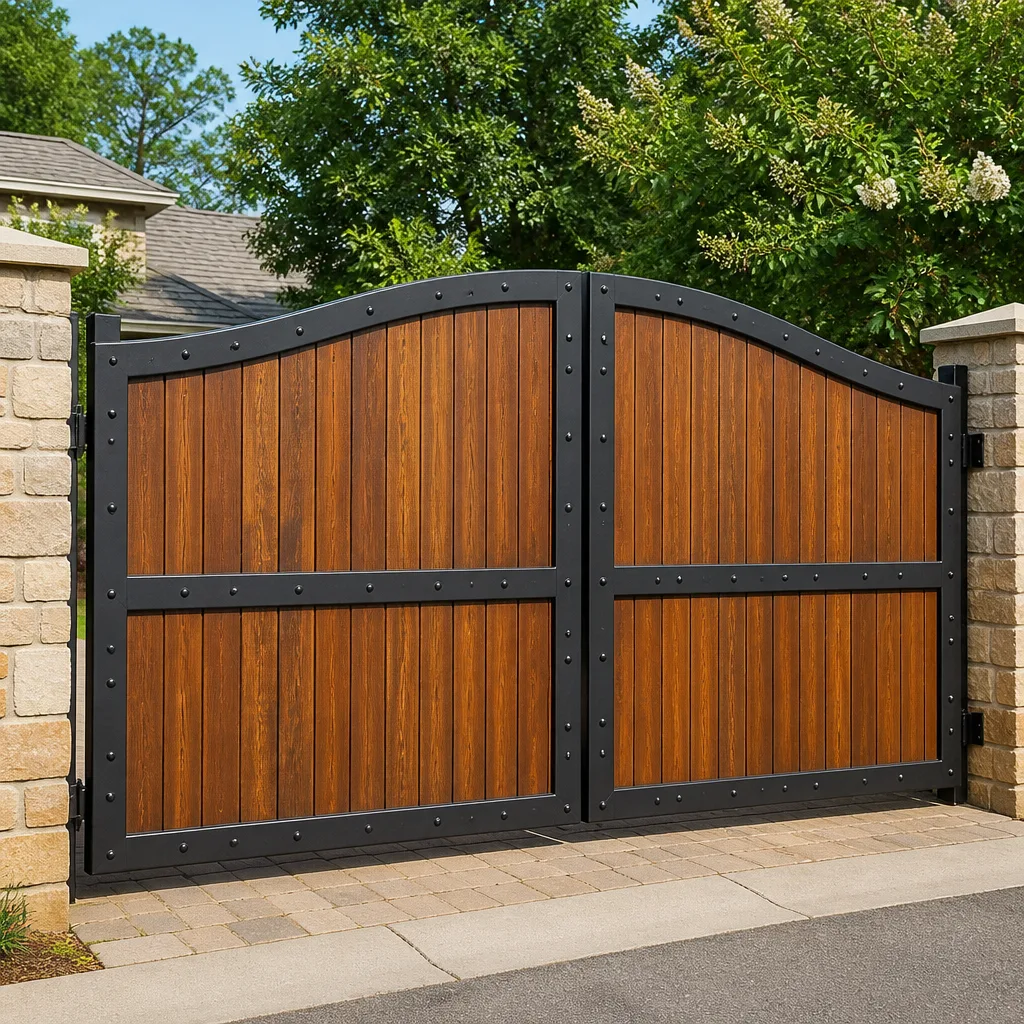 Wood & steel frame
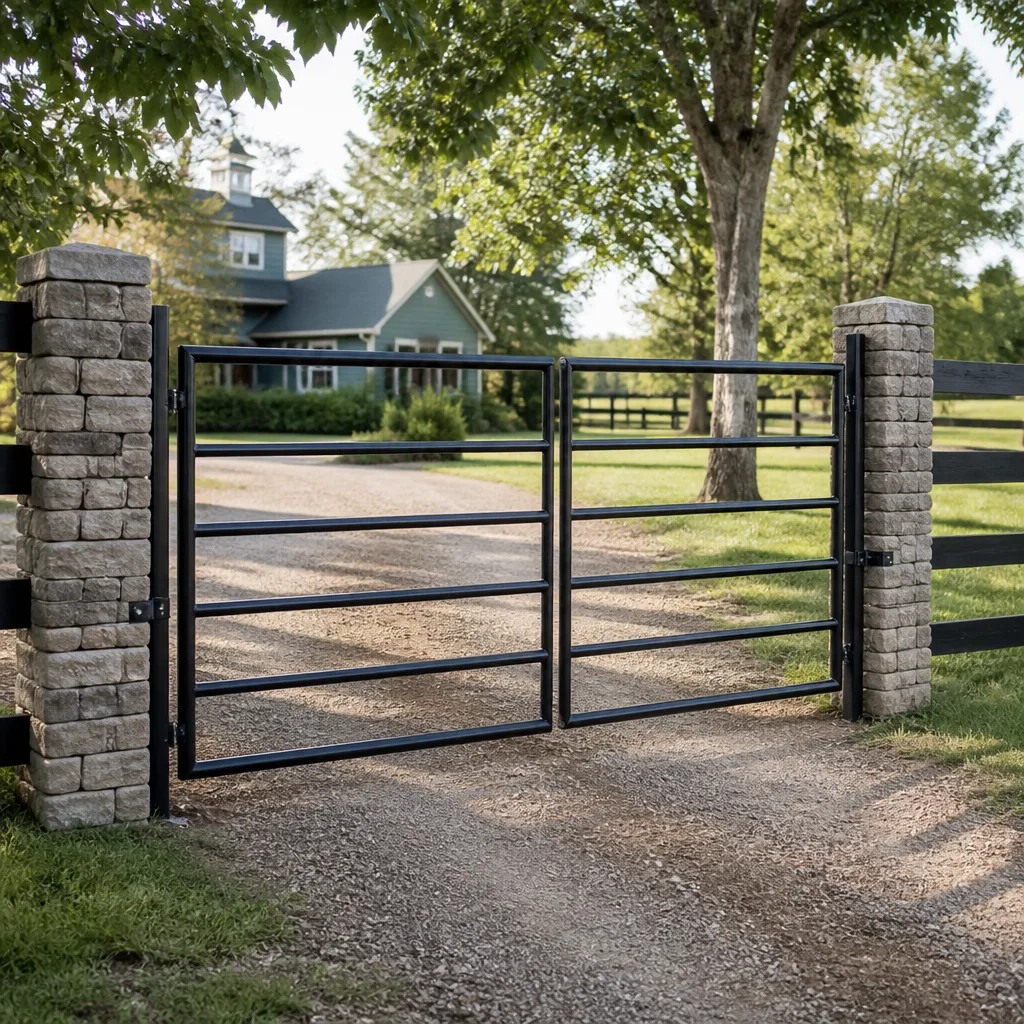 Farm & ranch
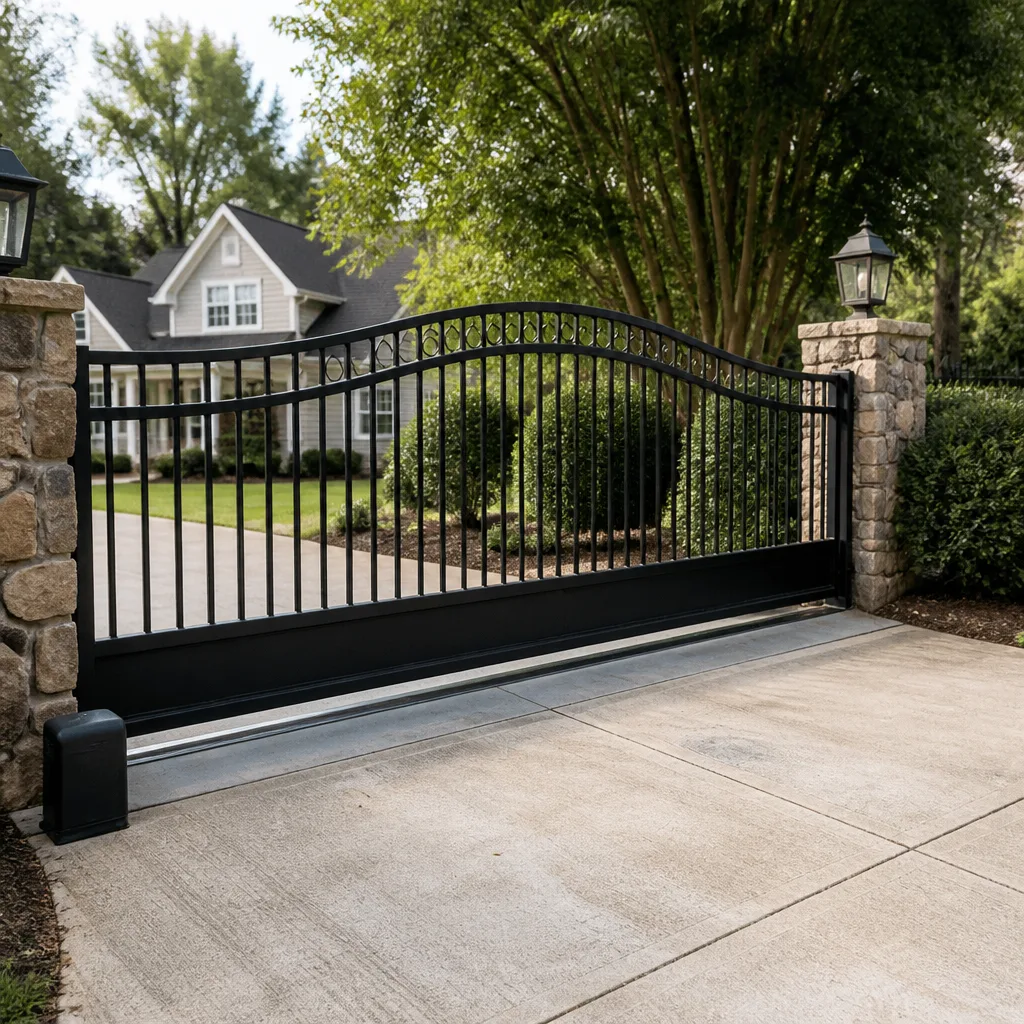 Sliding driveway gates
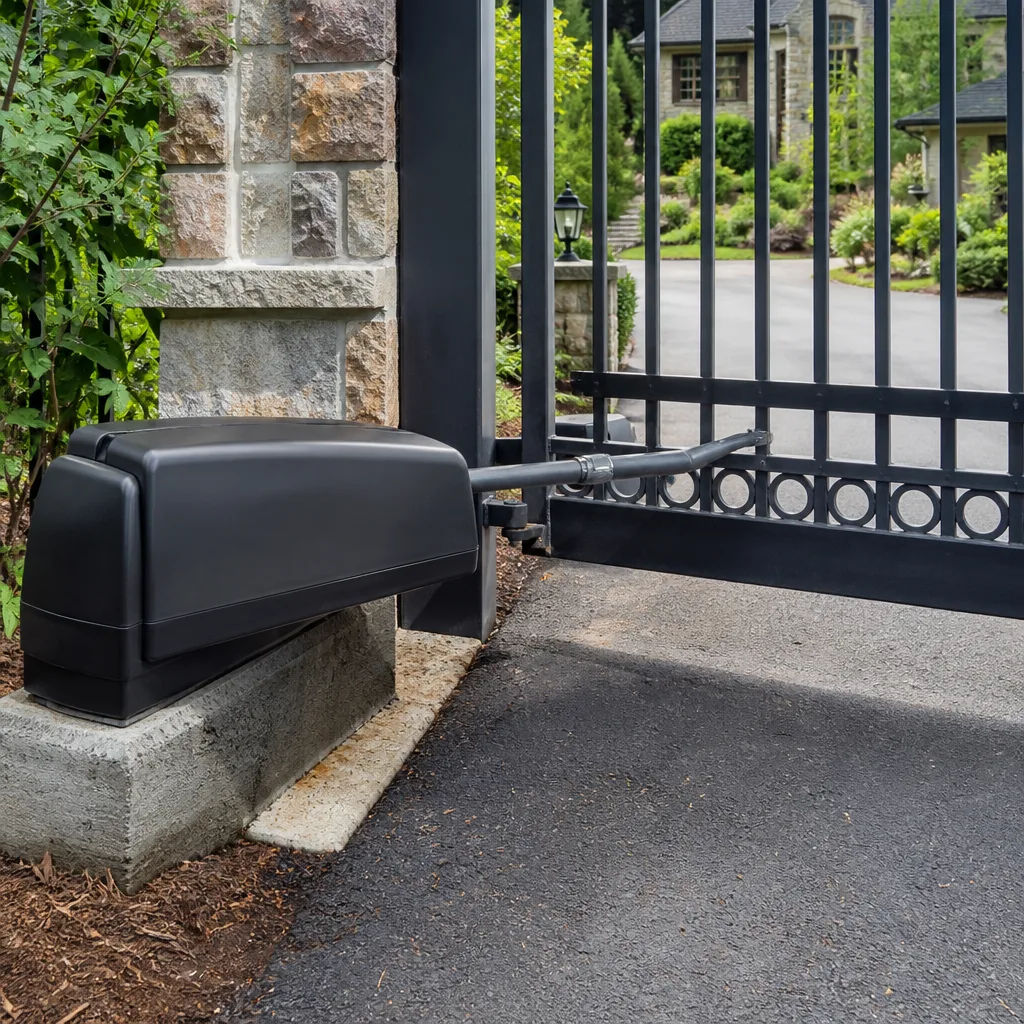 LiftMaster operators
Free on-site gate assessment - hinges, posts, and your LiftMaster or Nice gate operator checked before anything is quoted
The assessment is free and the quote is the invoice.
Get your free estimateGate Repair Troubleshooting: Common Problems and How to Fix Them
If your gate reverses before it fully closes, your first instinct is probably to blame the sensor. That’s reasonable. But in our experience working on automated gates across Corona, roughly 40% of “sensor problems” turn out to be a misaligned limit switch that no amount of sensor cleaning will fix. The symptom looks identical. The repair is completely different. This guide is built to help you read the failure pattern, not just the failure. We’ll walk through how to tell a mechanical fault from an electrical one, what your operator’s error codes actually mean, and which problems you can safely address yourself versus which ones need our Gate Repair services. By the end, you’ll know more about your gate’s behavior than most general repair techs do.
Quick Answer
Most gate failures fall into one of four categories: power supply problems, obstruction or alignment issues, limit switch or sensor faults, and mechanical wear on hinges, wheels, or chains. The fastest way to narrow it down is to note two things: whether the gate works manually but not automatically (which points to the operator or controls), and whether the failure is consistent or intermittent (which points to either a hard fault or a loose connection). Start with the battery and power source, then check obstruction sensors, then move to limit switches, and only then suspect the motor or control board.
Styles & brands we work with
Table of Contents
- Gate Won’t Open or Close at All
- Gate Stops Mid-Travel or Reverses Unexpectedly
- Gate Works Manually but Not Automatically
- Gate Opens on Its Own or Stays Open
- Grinding, Squealing, or Grinding Noises
- LiftMaster, FAAC, and Linear Error Codes Explained
- Swing Gate vs. Slide Gate: Different Failures, Different Fixes
- Safety Checks Before Any Adjustment
Gate Won’t Open or Close at All
A completely dead gate is the easiest failure to diagnose if you approach it in the right order. We see this constantly in Corona, especially after the hot summer months when thermal expansion has been working on every connection point. The impulse is to assume the motor died. In most cases, it hasn’t.
Step 1: Check the power source
This sounds obvious, but we’ve lost count of how many service calls in Corona turned out to be a tripped GFCI outlet or a battery that drained after a power outage. Check the outlet the operator plugs into. If it’s a GFCI, press the reset button. If the system runs on battery backup (common on LiftMaster and FAAC operators), the battery may need replacement if it’s more than three years old.
Step 2: Check the manual release
Most operators have a manual release lever or key. Pull it. If the gate moves freely by hand, the mechanical components (hinges, wheels, track) are fine. The problem is electrical or in the operator itself. If the gate is stiff or won’t budge, you have a mechanical failure: a seized hinge, a bent wheel, or something physically blocking the gate in its track.
Step 3: Look at the control board
If power is reaching the operator and the manual release works, the next suspect is the control board. LiftMaster boards typically show a blinking LED pattern. FAAC boards have diagnostic LEDs that flash in specific sequences. Before replacing a board, check the fuses. A blown fuse is a $2 fix. A board replacement is $300 to $800 depending on the brand and model.
What to listen for: If you hear a click or hum when you press the remote or keypad, the board is receiving the signal and sending power to the motor. That click means the problem is almost certainly mechanical (a bound gear, a seized motor bearing, or an obstruction). If you hear nothing at all, the signal isn’t reaching the board or the board isn’t responding.
Gate Stops Mid-Travel or Reverses Unexpectedly
This is the symptom that sends most people straight to the obstruction sensors. Sometimes that’s right. Often it isn’t. Here’s how to tell the difference.
The obstruction sensor test
Clean the sensor lenses first. Dust, spider webs, and morning condensation in Corona’s dry climate can coat a lens and trigger false obstruction readings. If the gate still reverses after cleaning, look at the sensor alignment. On swing gates, the photoelectric sensors sit on either side of the gate opening. On slide gates, they may be mounted on the gate itself or on posts.
But here’s the part most guides skip: a misaligned limit switch produces the exact same symptom. The limit switch tells the operator when the gate has reached the fully open or fully closed position. If that switch is loose, corroded, or physically shifted, the operator thinks the gate has hit an obstruction at the wrong point in its travel and reverses. In our experience, this accounts for roughly 40% of “gate keeps reversing” calls in the Corona area.
How to tell them apart
- Obstruction sensor problem: The gate reverses at the same physical point every single time, regardless of whether you’re opening or closing.
- Limit switch problem: The gate reverses at slightly different points, or only in one direction, or the reversal point drifts over weeks as the switch gets looser.
- Torque setting problem: The gate reverses only when closing and only under load (wind, slight grade, or resistance from worn wheels). This points to the operator’s force sensitivity being set too low, not a sensor fault.
One more culprit specific to Corona: thermal expansion. Steel gates expand in direct sun. A gate that works fine at 8 a.m. but reverses at 2 p.m. may be binding against its own track or post because the metal has expanded. The fix is often a track adjustment, not an electrical repair.
Gate Works Manually but Not Automatically
This is the single most useful diagnostic clue you can give a repair technician. If your gate moves freely by hand but won’t operate from the remote, keypad, or button, the mechanical side is fine. The failure is in the operator, the controls, or the power supply.
Here’s the thing most guides gloss over: a gate that works manually but not automatically almost always points to the operator’s torque settings, not the motor itself. The motor is probably fine. What’s happened is that the operator’s clutch or force adjustment has drifted out of calibration, so the system thinks it’s working too hard and shuts down to protect itself.
The torque recalibration check
- Locate the force or torque adjustment dials on the operator. On LiftMaster slide gate operators, these are usually behind a small access panel. On FAAC ram operators, they’re typically on the control board as potentiometers.
- Note the current settings before touching anything. Take a photo with your phone.
- Increase the force setting by a small increment (one notch or one degree of rotation).
- Test the gate. If it now operates automatically, the torque was set too low. If it still won’t move, return the dial to its original position and keep diagnosing.
If recalibration doesn’t fix it, the next suspects are the remote transmitter, the receiver antenna, or the control board’s relay. A remote battery is a two-minute fix. A failed relay often produces a faint click with no motor movement. A board-level relay failure usually requires board replacement.
Gate Opens on Its Own or Stays Open
A gate that opens by itself is unnerving, and the cause is rarely what people assume. In most cases, it’s not a ghost and it’s not a neighbor with a matching remote. It’s one of three things.
1. A stuck or shorted control input
The push-button terminals on the control board are looking for a brief contact closure. If a wire has chafed against a metal post and is intermittently shorting, the board reads that as a button press. This is especially common in Corona after rainy winters when wires that have been rubbing for months suddenly conduct moisture. Inspect the low-voltage wiring from the operator to any push buttons, keypads, or intercom stations.
2. A failing loop detector
Commercial and larger residential gates often use induction loops buried under the driveway to detect vehicles and hold the gate open. A failing loop detector can send a false “vehicle present” signal, which the system interprets as “hold the gate open.” If your gate only misbehaves when it’s wet or after a heavy rain, a failing loop detector is the prime suspect.
3. Remote frequency interference
This is rarer but real. Older remotes on fixed frequencies (not rolling code) can be triggered by other devices broadcasting on the same frequency. If your gate started opening on its own after a neighbor installed a new system, or if it only happens at certain times of day, frequency clash is worth considering. Most modern LiftMaster and FAAC systems use rolling code encryption precisely to prevent this.
Grinding, Squealing, or Grinding Noises
Noise is diagnostic. Different sounds point to different failures, and learning the vocabulary saves you from replacing parts that are perfectly healthy.
- Squealing or screeching usually means a dry or worn bearing. On swing gates, it’s typically the hinge bearings. On slide gates, it’s the guide rollers or the gate wheels on the track. Lubricating a dry bearing is a legitimate fix. Lubricating a worn-out bearing buys you three weeks. If the squeal comes back quickly, the bearing is done.
- Grinding or crunching is almost always metal-on-metal contact where it shouldn’t be. That means a bent wheel, a misaligned track, or a chain that’s dragging on its guide. Continuing to operate the gate with a grinding noise will destroy the drive components. Stop and diagnose.
- A rhythmic thumping while the gate moves points to a flat spot on a wheel or a bent drive sprocket. The sound repeats in time with the gate’s movement.
- A high-pitched whine from the operator itself is usually capacitor or transformer noise. It’s often the first sign of a failing motor start capacitor, which is a relatively inexpensive fix compared to a motor replacement.
In Corona, wind-driven dust and grit accelerate wear on guide wheels and tracks. A gate that operates fine in calm conditions but squeals on windy days is telling you the wheel bearings are collecting abrasive dust. Blow out the track and wheel assemblies with compressed air every few months during the windy season.
LiftMaster, FAAC, and Linear Error Codes Explained
Most automated gate operators have a self-diagnostic system that flashes error codes. If you learn to read them, you can diagnose most failures without spending a dime on a service call. Here’s what the common ones actually mean in plain language.
LiftMaster error codes
- Blinking red LED on the board (steady pattern): The operator is in “learn” mode or the board is waiting for a limit setup. If you haven’t just installed it, a stuck learn button is the likely cause.
- Two short flashes, pause, repeat: Obstruction detected. The operator hit resistance above its force threshold. This could be a real obstruction, a failing capacitor, or a torque setting that’s too low.
- Three flashes: An entrapment protection device (sensor or edge) is faulted or disconnected. The board is refusing to operate as a safety precaution.
- Five flashes: Motor or board overheat. Let it cool, then address the cause (usually sustained binding from misalignment) rather than just resetting.
FAAC error codes
- Single LED flash on the 455 D board: The photocell input is active, meaning something is blocking the beam or the sensor has failed.
- Two LED flashes: The “stop” input is triggered. Check for a stuck stop button or a shorted wire.
- Three LED flashes: The motor capacitor has failed or the motor is drawing too much current. This often explains why the gate hums but doesn’t move.
- Continuous solid LED with no function: The board is powered but not receiving a valid command. Suspect the receiver, the remote, or the antenna connection.
Linear (and Apollo, which Linear now owns) error codes
- Rapid LED flash on power-up: The board is detecting a reversed motor connection or a shorted output. Stop using it immediately and check the wiring.
- Slow steady blink: The operator is in “soft start” mode or the gate is reaching its limit stop. If it never progresses past this, the limit switches aren’t engaging.
- No LED at all: There’s no power to the board. Check the transformer, the fuse, and the incoming line voltage before suspecting the board itself.
One caution: error codes vary between models within the same brand. The codes above apply to the most common residential and light commercial operators we service in Corona. If your board shows a pattern you don’t recognize, check the model number on the operator and look up the specific diagnostic chart for that model. Or call a gate specialist who already knows it.
Swing Gate vs. Slide Gate: Different Failures, Different Fixes
The same symptom means different things depending on your gate type. Here’s the decision tree we use ourselves.
Swing gates (hinged gates that pivot on posts)
Swing gates fail at the hinges first, the operator second. The hinge is the pivot point for the entire gate’s weight, and every opening cycle puts stress on it. A sagging swing gate is almost always a worn hinge bearing or a loose hinge mount. The fix is mechanical: replace or repack the bearing, or reinforce the hinge post if it’s worked loose in the concrete.
- Gate sags and scrapes the ground: Worn hinge bearings. Replace them before the sagging damages the operator.
- Gate opens partway and stalls: On a swing gate, this is usually the operator’s piston or ram running out of travel, not a motor failure. Check the mounting brackets. A bent or loose bracket changes the geometry and throws off the entire travel arc.
- Gate slams open or closed: The operator’s hydraulic check valve or the arm’s internal damping has failed. This is a controlled repair, not an adjustment.
Slide gates (gates that roll along a track)
Slide gates fail at the wheels and the track first, the chain second, and the operator third. The wheels carry the entire gate weight. A flat spot on a wheel creates a repetitive thump. A wheel that’s seized creates drag that makes the operator work harder and trip its force sensor.
- Gate binds partway along the track: The track has shifted, or the gate is climbing out of it. Check the track stakes and the guide rollers. In Corona’s clay-heavy soil, seasonal ground movement can shift a track enough to bind a gate that worked fine for years.
- Chain jumps or clatters: The chain has stretched past its adjustment range, or a sprocket tooth has broken. A stretched chain can often be adjusted. A broken sprocket needs replacement.
- Gate moves at an angle and jams: One side’s wheels are worn or binding, pulling the gate out of alignment. This is often misdiagnosed as a track problem when it’s actually a wheel problem.
Safety Checks Before Any Adjustment
Before you adjust anything, understand what you’re working with. Slide gates operate under tension. The chain or belt is under load even when the gate is stationary. Swing gates carry serious weight, and if the operator releases unexpectedly, that weight can move fast.
- Disconnect power first. This is non-negotiable. Unplug the operator, or kill the breaker, or shut off the dedicated disconnect switch. Then test the remote to confirm there’s no power.
- Engage the manual release. Confirm the gate can be moved by hand without fighting the motor. If it can’t, the gate is under tension from the drive system and you should not proceed.
- Block the gate from moving. Use wheel chocks, a wooden block, or a solid object to prevent the gate from rolling or swinging while you work. Never rely on the motor’s brake or the limit switches to hold a gate in place.
- Inspect high-tension components without touching them. Slide gate chains, spring assemblies, and counterbalance springs carry enough stored energy to cause serious injury if they let go. Look. Don’t prod. If a spring is visibly cracked, rusted through, or sagging unevenly, that’s a professional repair, not a DIY adjustment.
- Test the reversing mechanism before putting the gate back into service. After any adjustment, block the gate’s path with an object and confirm it reverses on contact. If it crushes the object, the safety system isn’t working and the gate is dangerous to operate.
We want you to be able to diagnose your gate intelligently. We do not want you to get hurt. The line between “I can fix this” and “I need a specialist” is drawn at anything involving high-tension springs, loaded chains, or operators that store mechanical energy. Our technicians in Corona have the training and the tools to handle those components safely.
Common Mistakes to Avoid
- Replacing the motor before checking the capacitor. A humming motor that won’t turn is frequently a $25 capacitor failure, not a $400 motor failure. In our experience in Corona, this is the single most common misdiagnosis we see from general repair services.
- Lubricating a worn bearing instead of replacing it. Lubrication masks the symptom for a few weeks, then the bearing fails completely and takes the hinge or wheel with it. Always diagnose why the bearing is dry before reaching for the grease gun.
- Adjusting the force setting to overcome a mechanical problem. If your gate is binding because a wheel is seized or a hinge is worn, cranking up the torque forces the operator to work harder. That’s how you burn out motors and strip gears. Fix the mechanical issue, then recalibrate.
- Ignoring a reversing problem because “it works most of the time.” An intermittent reversing issue is a safety hazard. Your gate’s entrapment protection system is designed to protect people and pets. If it’s misfiring, it’s not protecting anything.
- Buying a universal remote without checking compatibility. Not all remotes work with all operators, especially on rolling-code systems. We regularly see Corona homeowners purchase a “universal” remote that won’t sync with their FAAC or BFT operator.
- Adjusting limit switches without noting the original position. Limit switches are precise. If you change them and the problem persists, you’ve now introduced a second variable that makes diagnosis harder. Always photograph or mark the original settings first.
- Assuming a new control board is the fix. Control boards fail, but they’re also the most misdiagnosed component in gate automation. A board that’s not receiving the right inputs looks identical to a board that’s failed. Test the inputs before replacing the board.
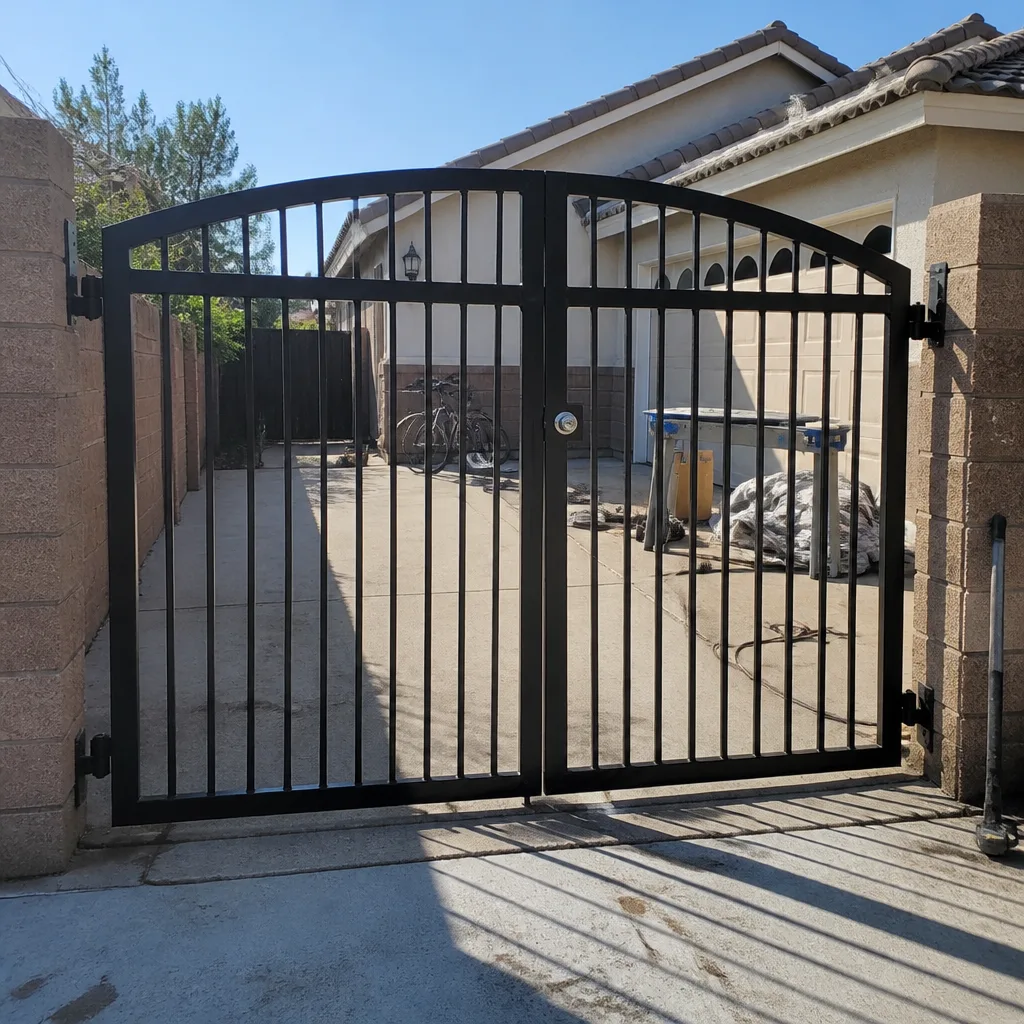
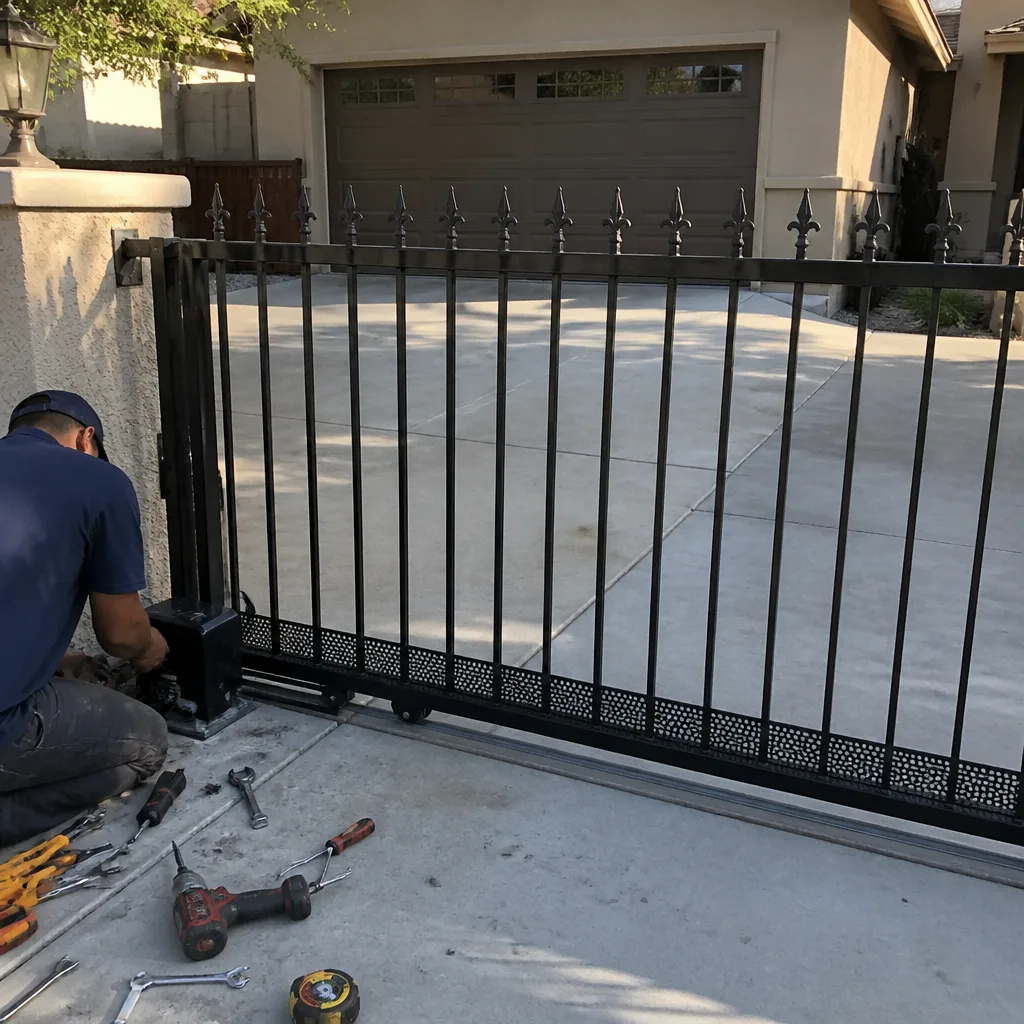
See the difference
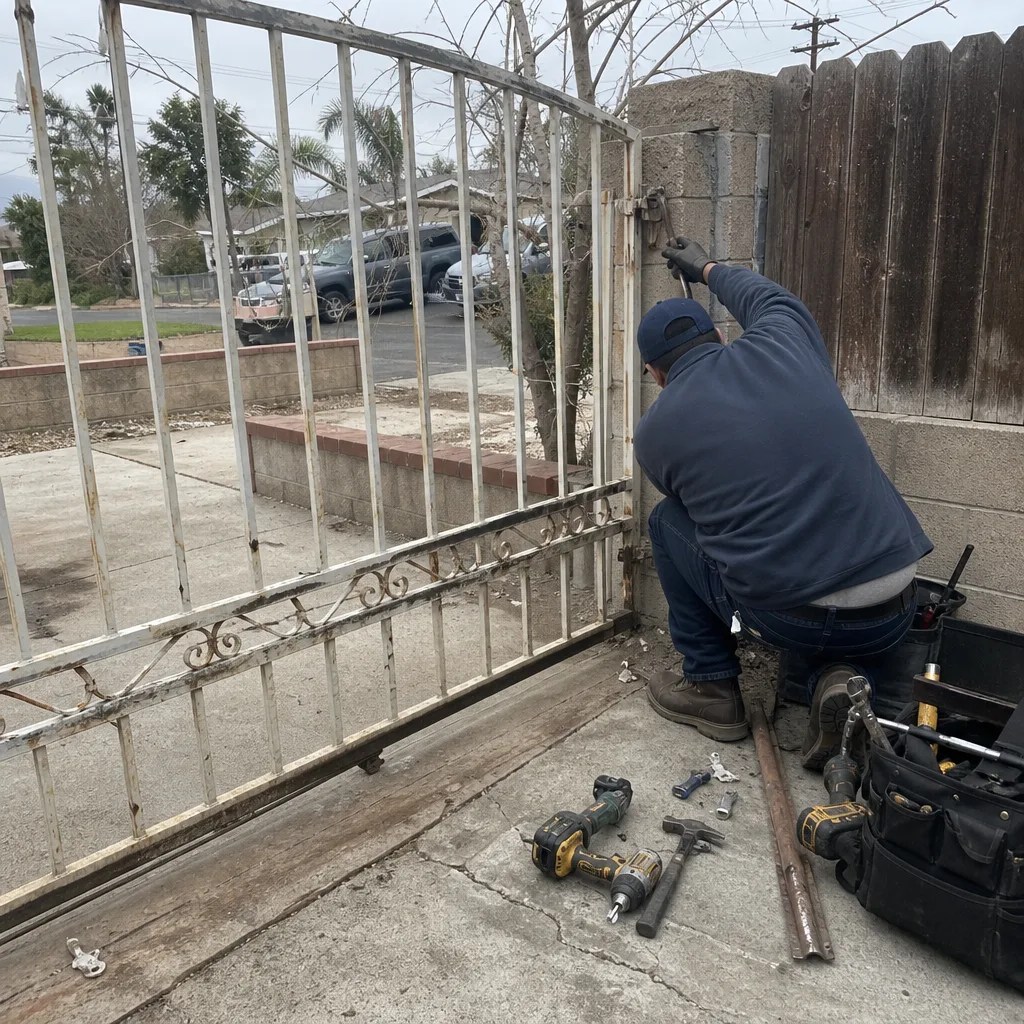 Before
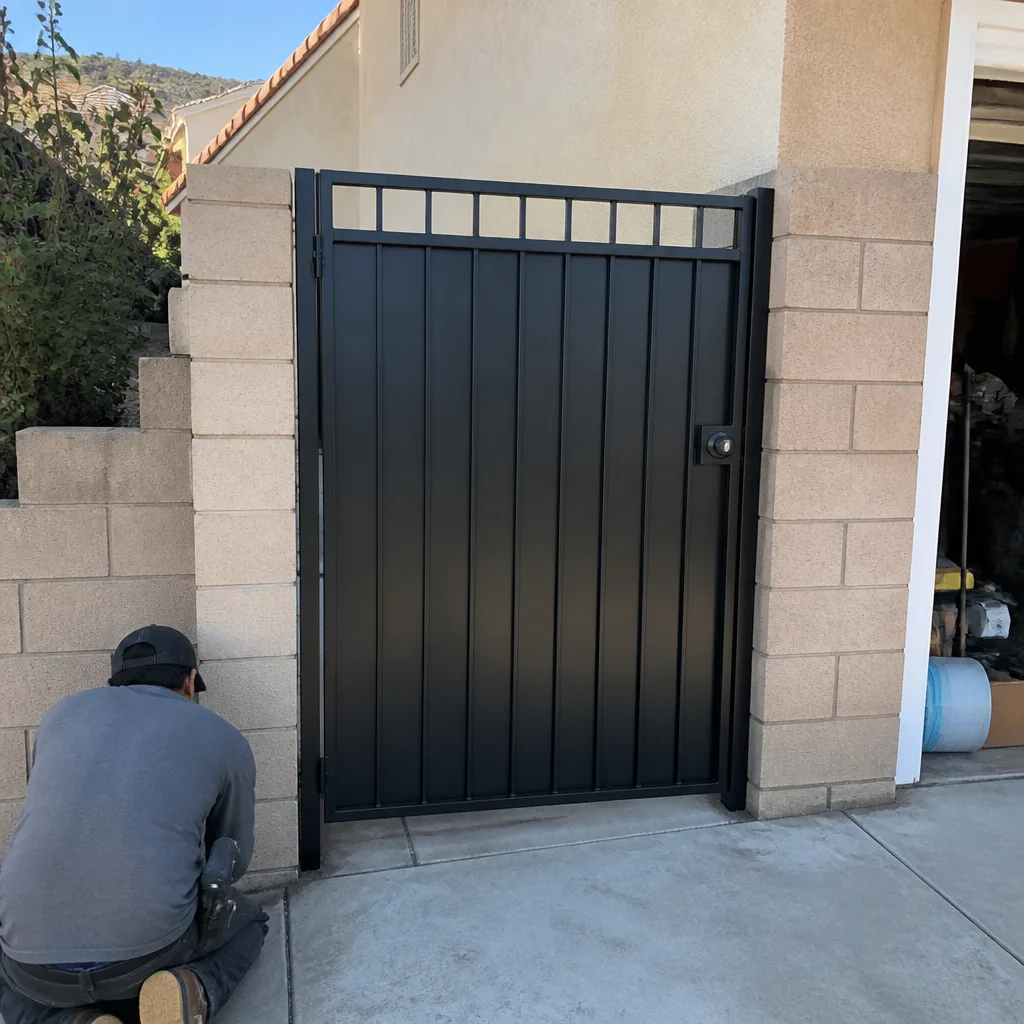 After
After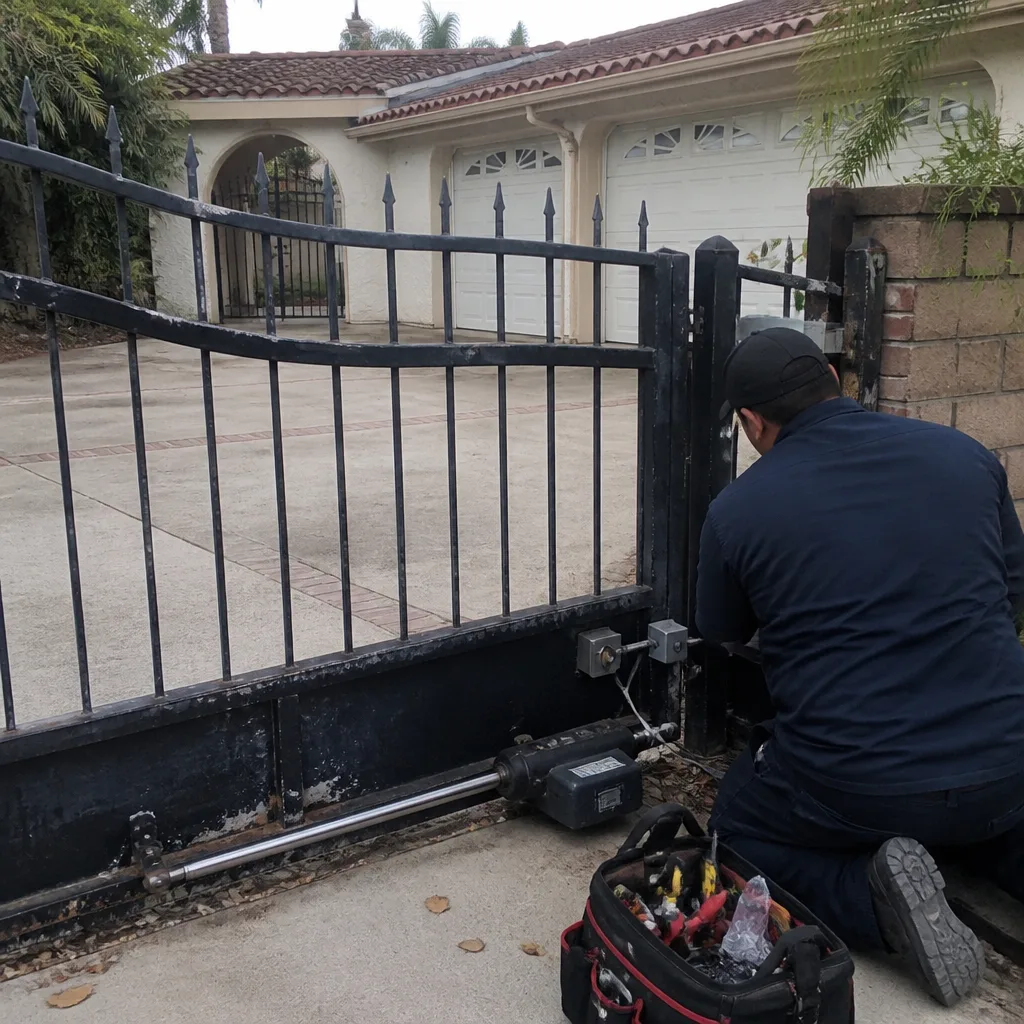 Before
 After
After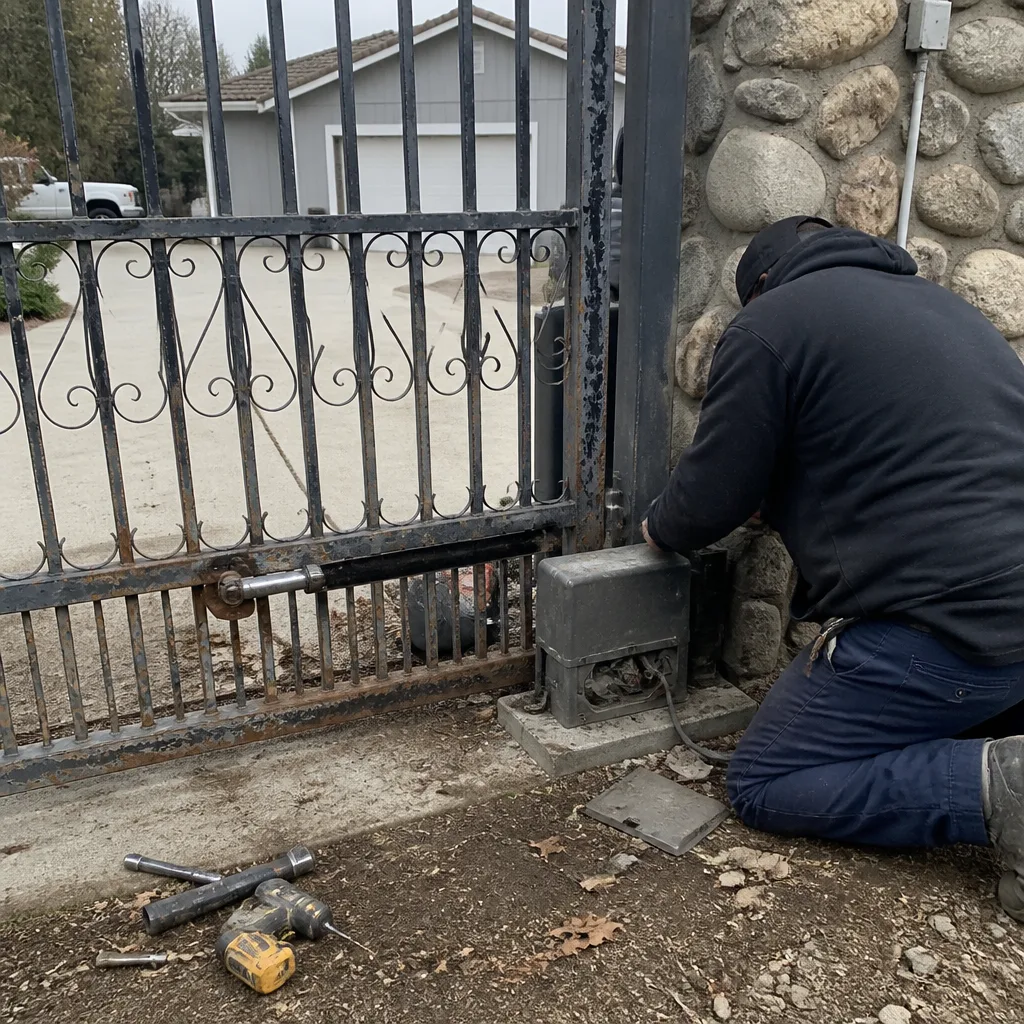 Before
 After
AfterWhen to Call a Professional
You’ve worked through the diagnostics, you’ve checked the power, the manual release, the sensors, and the limit switches. The gate still isn’t cooperating. Or you’ve found the problem and it involves a high-tension spring, a loaded chain, a hydraulic ram, or a control board you’re not comfortable replacing. That’s the moment to bring in someone who does this every day. Gate repair in Corona isn’t a side service for us; it’s the entire job. If the problem is electrical, our electric gate repair team handles control boards, loop detectors, and safety sensors that general repair services often misdiagnose. If your gate is beyond reasonable repair and it’s time for something new, we handle gate installation too, so you don’t need to call a second company. Baron Gate Repair offers free estimates in Corona. Call (877) 752-1896 and describe what you’re seeing. We’ll tell you over the phone whether it’s likely a quick fix or a bigger job.
Frequently Asked Questions
Gate repair costs in Corona vary widely depending on the failure. A simple capacitor replacement or sensor alignment typically runs $150 to $300. Control board replacement on a LiftMaster or FAAC operator runs $300 to $800 depending on the model. Mechanical repairs like hinge bearing replacement or wheel replacement fall in the $250 to $500 range. Every repair we do is priced upfront before any work begins. For an exact quote on your specific gate, call (877) 752-1896 and describe the symptom. Estimates are free.
Most gates can be repaired, not replaced. A gate that’s sagging, binding, noisy, or failing to open automatically usually has one or two failed components, not a structural failure. We’ve rebuilt operator systems on gates that are twenty years old and had them working like new. Replacement makes sense when the gate itself is rusted through, when the operator is discontinued and parts are unavailable, or when you want to upgrade to a modern access control system anyway. If you’re not sure which camp your gate falls in, call us at (877) 752-1896. A five-minute conversation usually answers it.
A gate that opens by itself at night usually points to a shorted control wire, a failing loop detector, or radio frequency interference. Nighttime-only behavior is often moisture-related: condensation or dew on chafed wires creates a temporary short. Loop detectors can also misbehave when the ground temperature drops and the buried wire contracts. Both are common in Corona’s dry-winter climate. The fix is identifying which input the board is receiving and addressing the source. That’s a diagnostic process, not a guess.
In Corona’s hot, dry summers and mild winters, a quality gate operator (LiftMaster, FAAC, BFT) typically lasts 10 to 15 years with proper maintenance. The bigger threat here is not temperature but dust. Corona’s Santa Ana winds drive fine grit into motors, bearings, and control board contacts. Operators that are blown out and lubricated regularly last significantly longer than those that aren’t. We recommend a visual inspection of your operator twice a year, especially after the windy season.
We work on the brand you already have. That’s how we operate. Our technicians are factory-trained on nine distinct gate brands, from entry-level residential systems like Mighty Mule and Ghost Controls to premium European brands like FAAC and BFT to commercial-grade operators like LiftMaster, DoorKing, and Linear. Whether it’s a Mighty Mule on a ranch gate in the Temescal Valley or a FAAC on an estate entrance in Norco, we’ve seen it and fixed it. Bring us your existing brand; we’ll work from there.
It’s safe to troubleshoot your own gate if you follow three rules: disconnect power before touching anything, engage the manual release before testing mechanical components, and never touch high-tension springs or loaded chains. The diagnostic steps in this guide are designed to be done without opening the operator housing or touching anything under tension. If you find a problem involving a spring, a loaded chain, or a hydraulic ram, stop and call a professional. That boundary exists for good reason. Call (877) 752-1896 for a free estimate.
The Bottom Line
Gate repair troubleshooting is about reading the pattern. A gate that works manually but not automatically points to the operator, not the motor. A gate that reverses at inconsistent points points to a limit switch, not a sensor. A gate that only fails in the afternoon heat may be fighting thermal expansion, not an electrical fault. The fastest path to a fix is working through the diagnostic sequence in the right order: power, manual release, sensors, limit switches, torque settings, and only then the motor or board. When you hit the limit of what you can safely diagnose, call someone who does this every day. Baron Gate Repair is a gate specialist serving Corona and the surrounding area, from the motor to the hinge.
Written by the team at Baron Gate Repair, serving Corona since 2017. Explore more guides & resources on our blog.